Point. Click. Tailwind.
Extract any component from any website and get production-ready Tailwind code you can paste straight into your project. No signup. No cost. Just code.


Trusted by frontend developers worldwide
Getting Tailwind code shouldn't be this hard.
You found the perfect pricing table on Stripe's site. Or you need to migrate 200 Bootstrap components before the deadline. Either way, you're staring at DevTools, copying CSS declarations one by one, and the result still doesn't look right.
Manually converting a single card component takes 30+ minutes - and you have dozens.
You miss a box-shadow, forget a hover state, and the spacing is 2px off. Every. Single. Time.
DevTools copy-paste gives you 47 CSS declarations with cascade conflicts and no Tailwind classes.
AI generates "a pricing table" - not the pricing table you actually want.
Manual Conversion
Per component...
Time Spent: 30+ minutes
Result: Visual regressions
Revisions: Endless
Click any component. Get Tailwind.
Hover over the component you want. Click extract. Get clean Tailwind HTML with every color, spacing token, hover state, and breakpoint already mapped. Paste it into your project and move on.
Reads computed styles from any CSS framework - Bootstrap, Chakra, Material UI, or your custom setup
Works on any URL - localhost, staging, production, or that SaaS site with the perfect nav
Maps CSS values to your Tailwind design tokens - real theme classes, not arbitrary values
Captures hover, focus, active, dark mode, and responsive breakpoints automatically
extractcss.dev
Universal Extraction
Time Spent: ~30 seconds
Result: Pixel-perfect Tailwind
Revisions: 0
Powerful extraction, simple workflow
Point and extract
Click the extension, hover over any element, and extract. Works on your own sites, localhost, or any website. No configuration required.
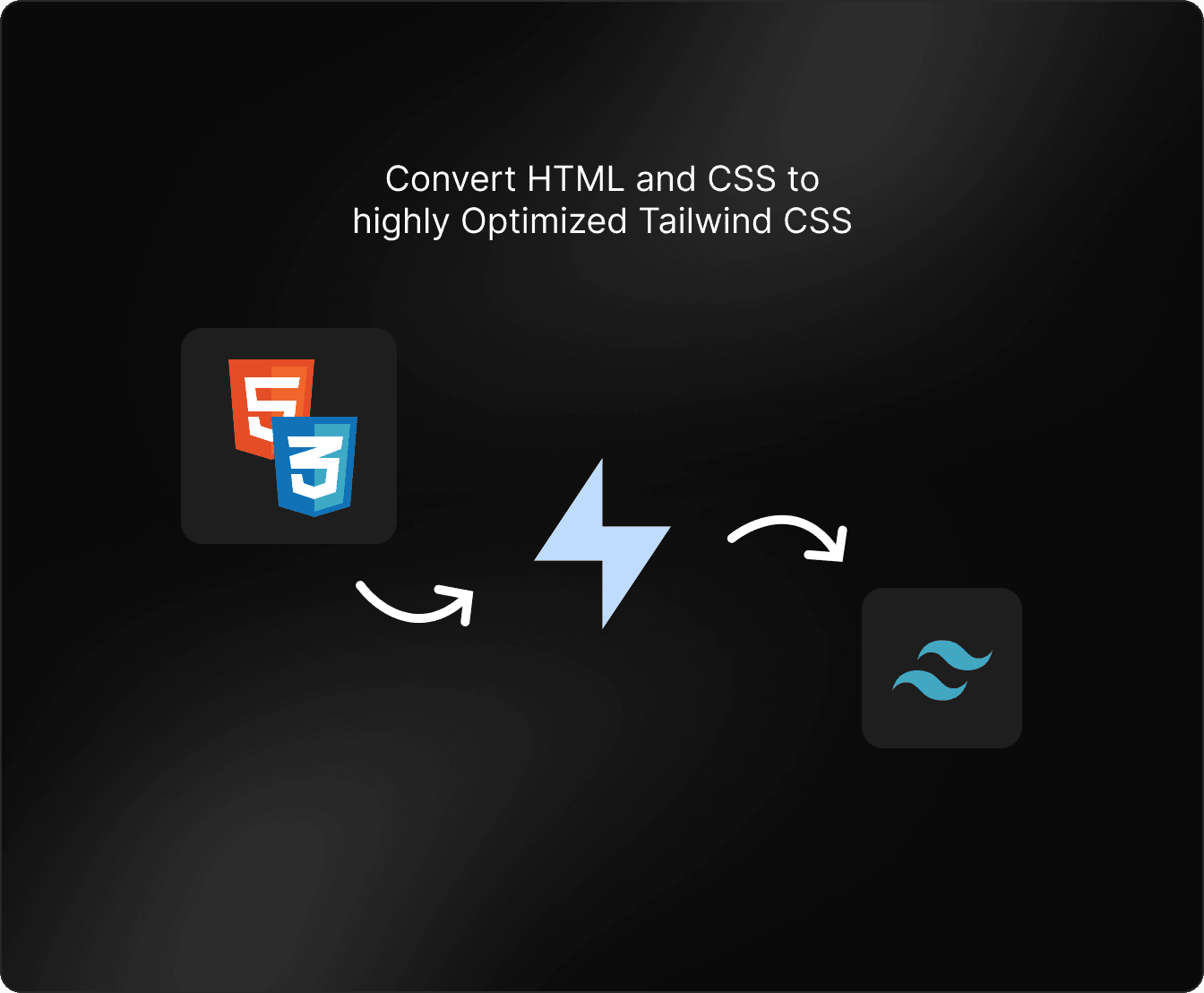
Automatic Tailwind conversion
Extracted CSS is instantly converted to Tailwind utilities. Colors, spacing, and typography snap to your config tokens. Works with Bootstrap, Chakra, Material UI, or any CSS.
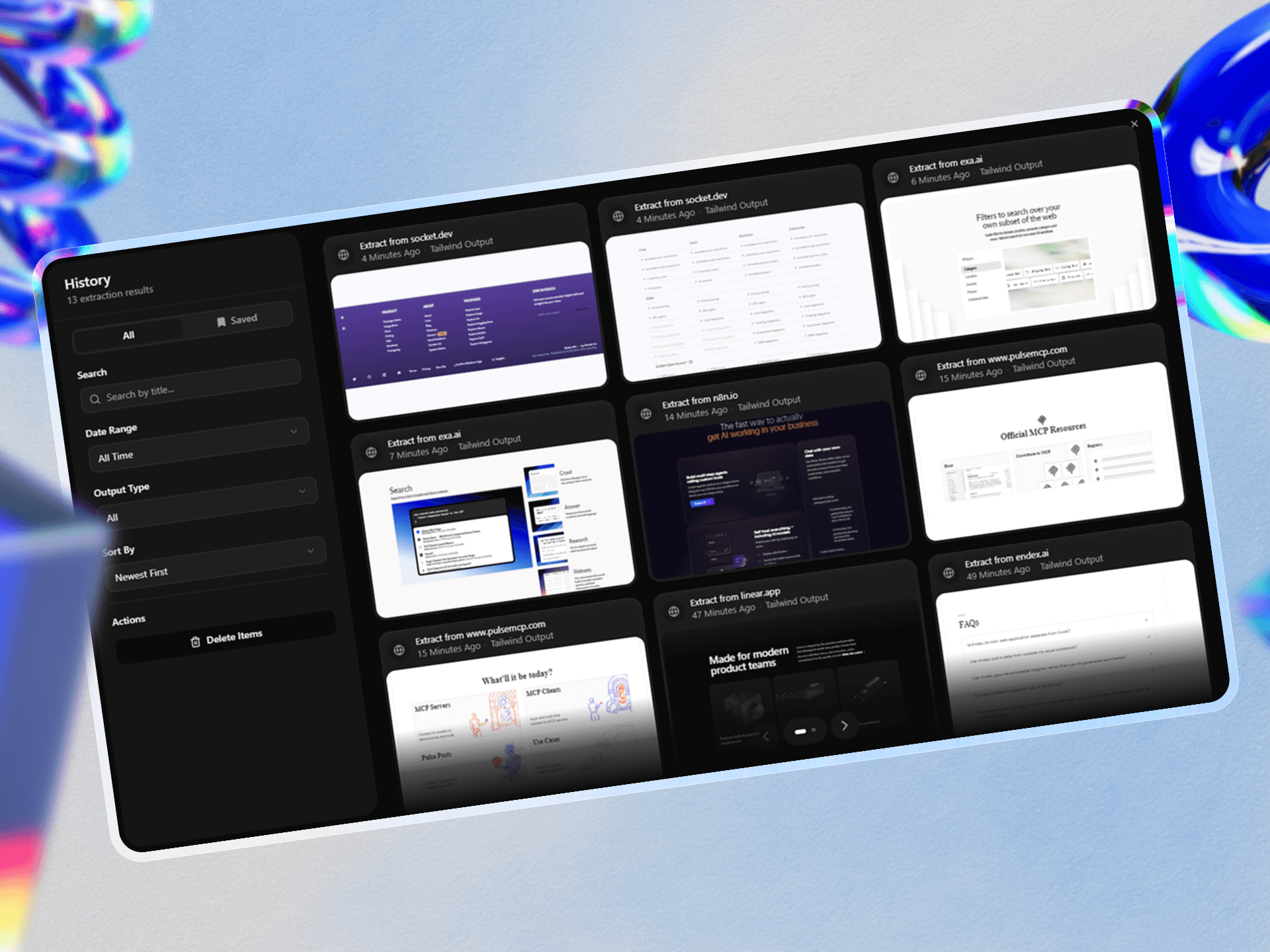
Save and reuse
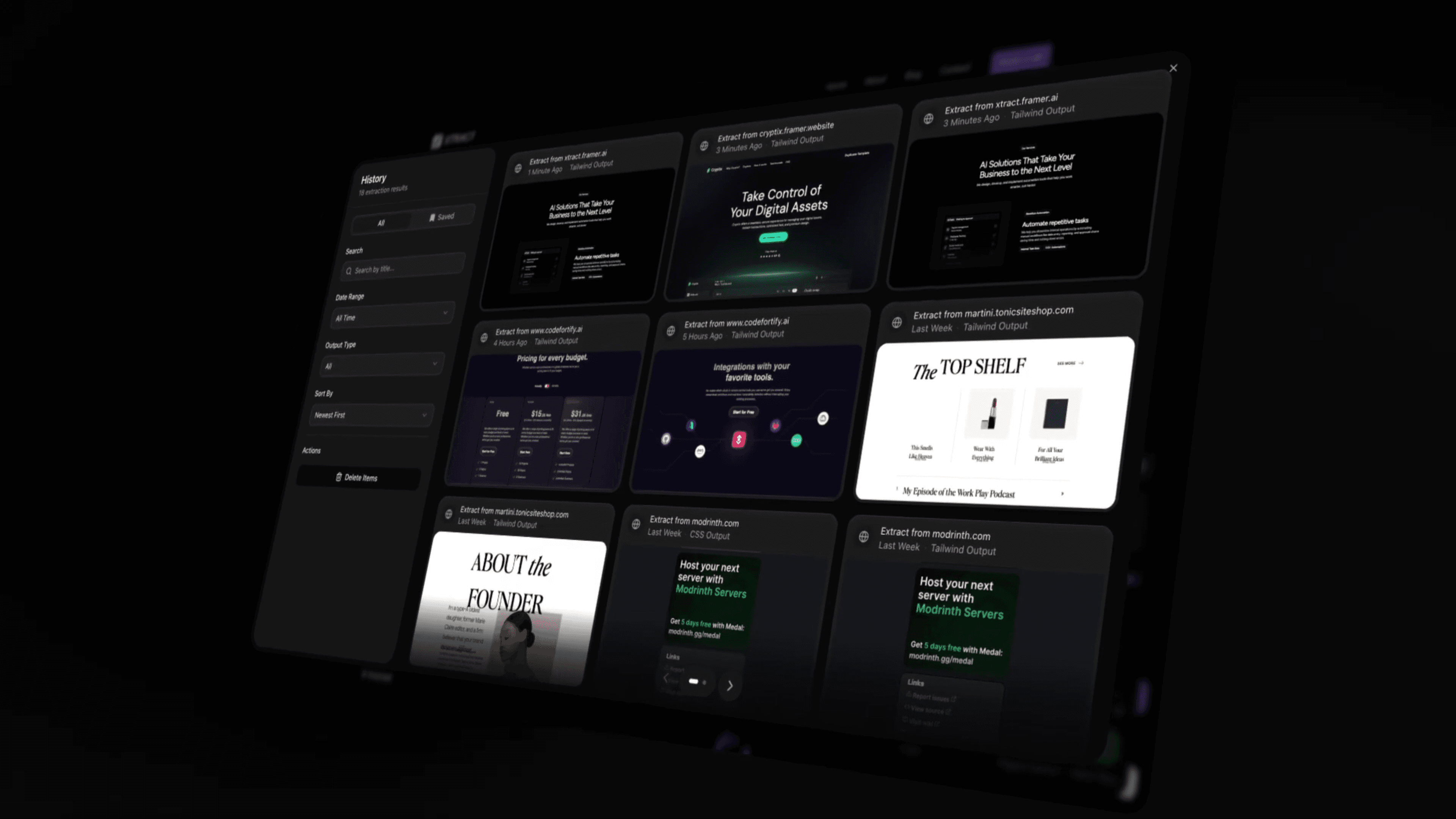
Every extraction is saved to your library. Build a collection of components from your migration or design inspiration. Access them anytime with one click.
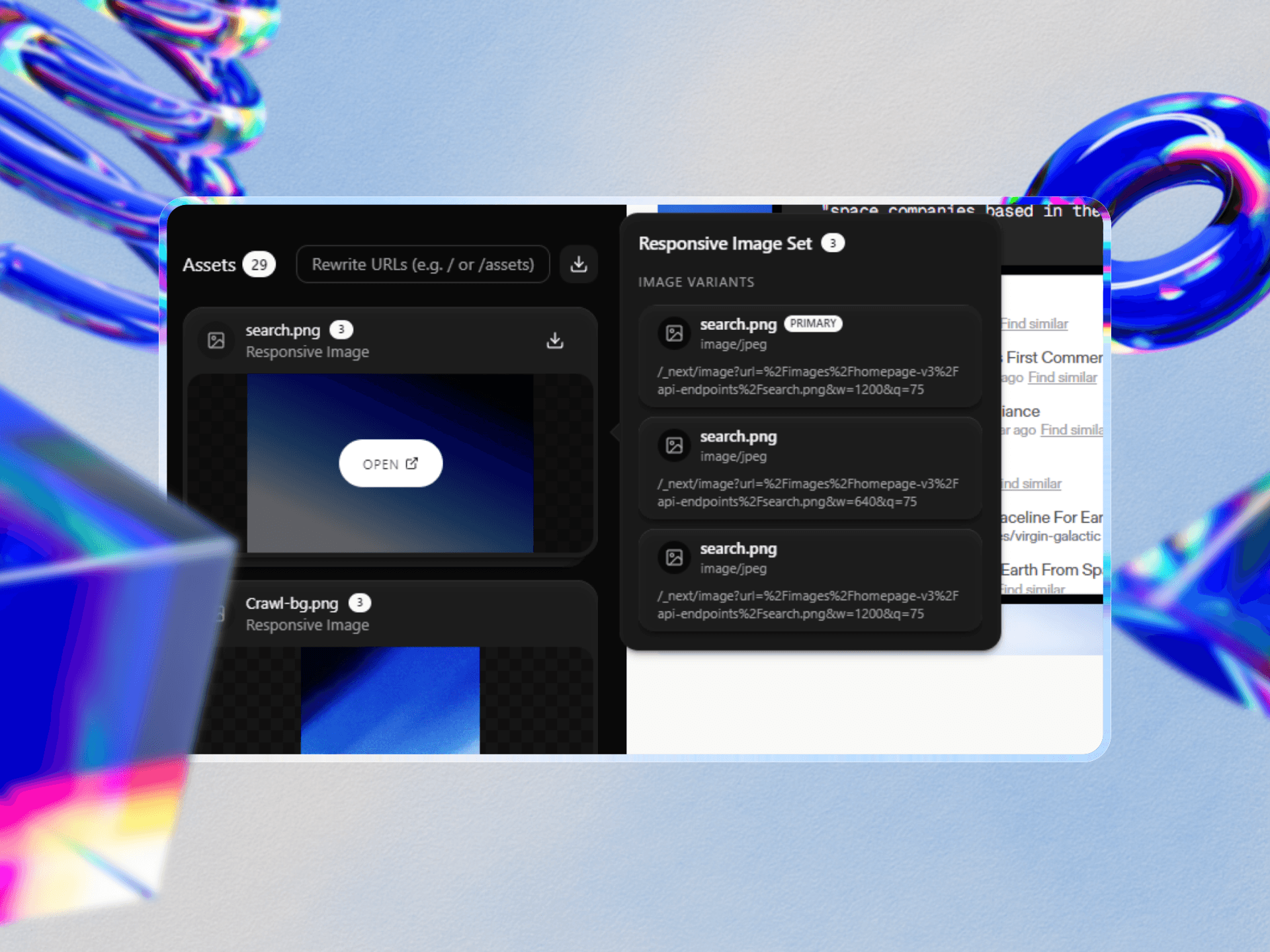
Export everywhere
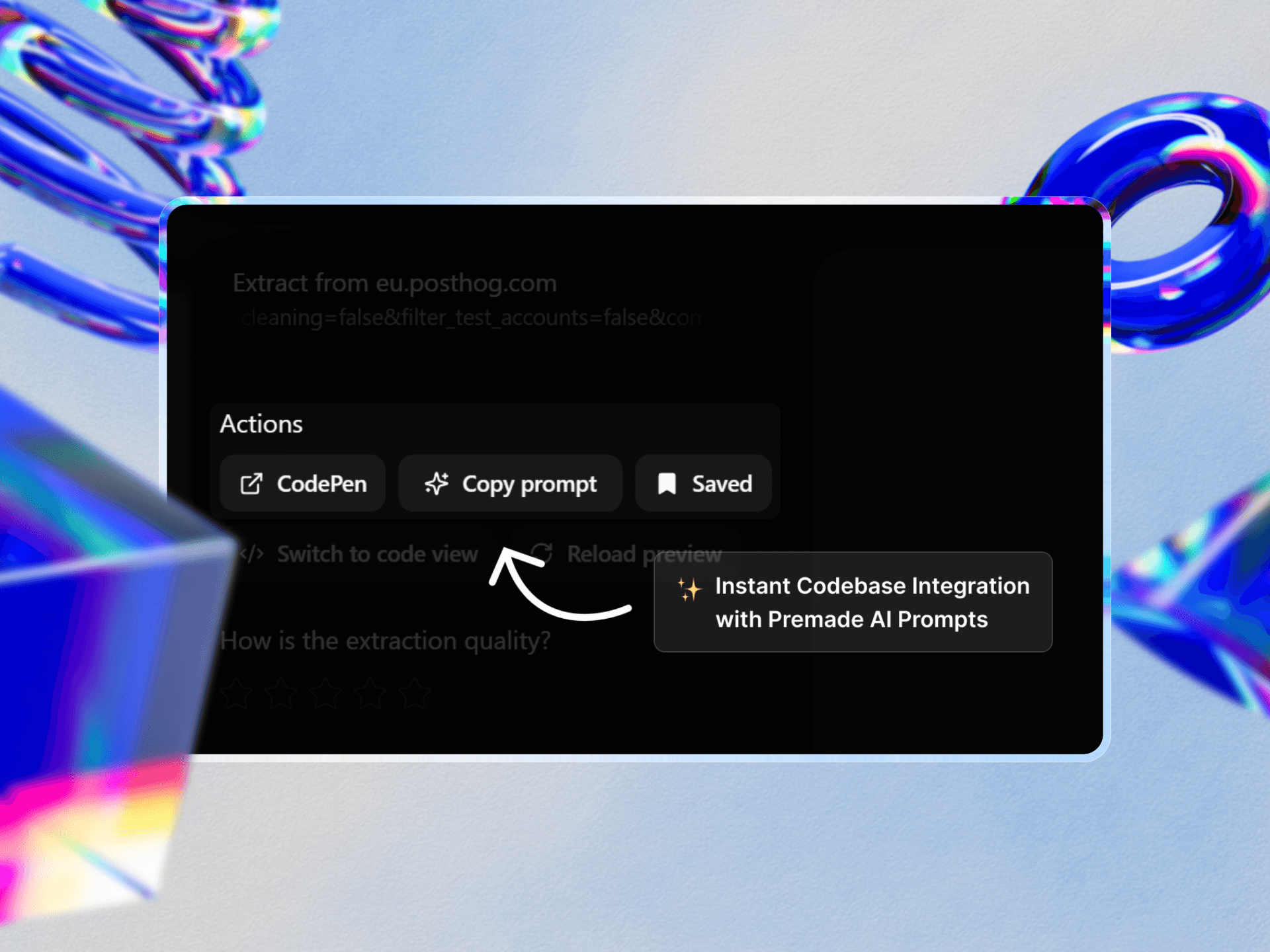
Copy as React, Vue, Svelte, or plain HTML. Export to CodePen. Paste into Cursor, Claude, or ChatGPT for further customization. All assets included.
Built for real-world complexity
Any CSS Framework
Bootstrap, Chakra, Material UI, Ant Design, Tailwind, custom CSS - ExtractCSS works with all of them. If the browser renders it, we can extract it.
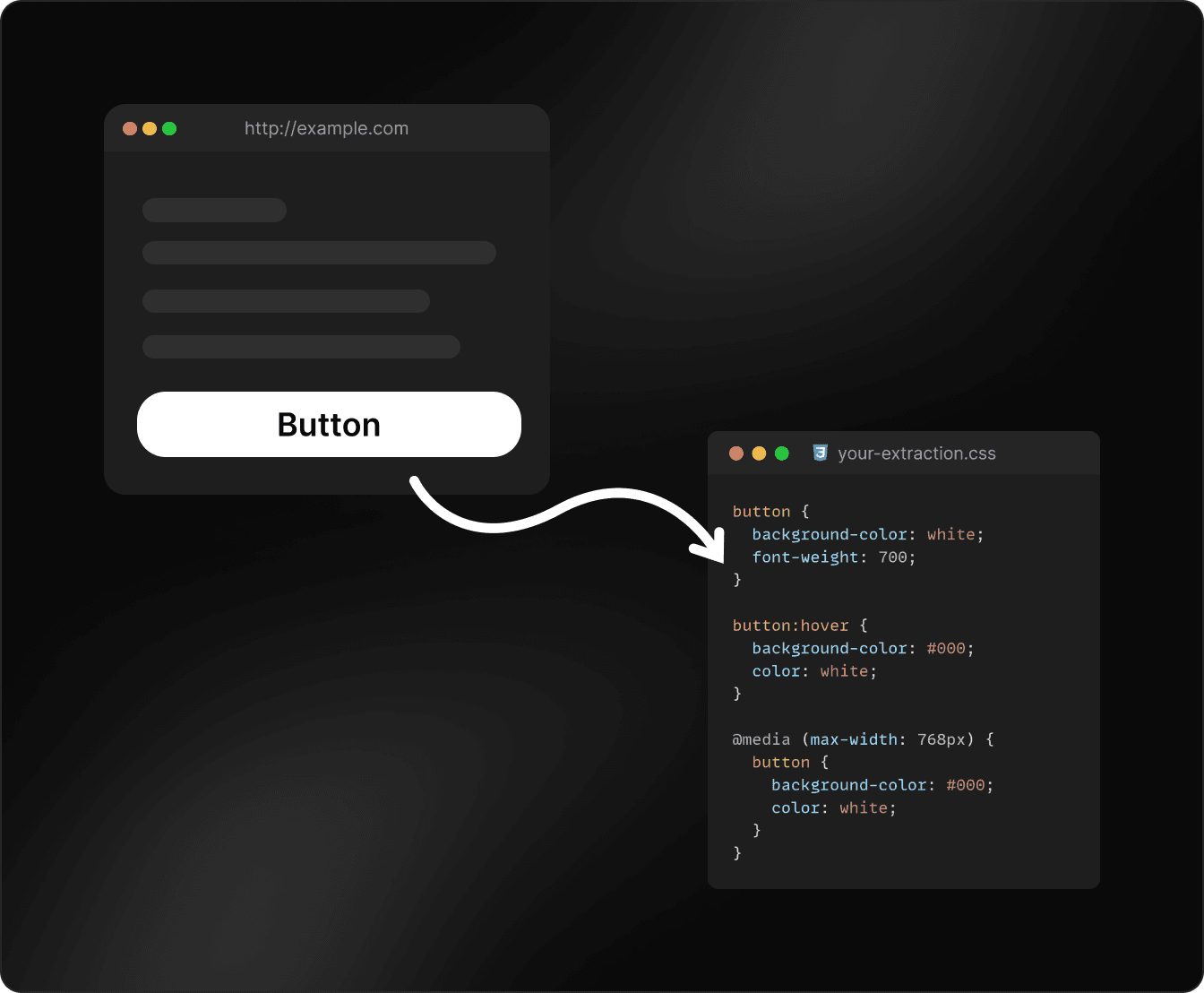
Intelligent Token Mapping
Arbitrary CSS values snap to your Tailwind config tokens. Colors become your palette. Spacing becomes your scale. Adjust tolerance as needed.
Full State Capture
Hover, focus, active, disabled, dark mode variants - all interactive states are captured and converted to proper Tailwind modifiers.
Asset Collection
Images, fonts, and SVGs are collected automatically. Rebase URLs with one click to match your project structure. Download as ZIP.
100% Local Processing
Everything runs in your browser. No data sent to servers. No signup required. Completely free.
What is ExtractCSS?
ExtractCSS is a free Chrome extension that extracts HTML and CSS from any website and converts it to clean, production-ready Tailwind CSS. It works with any CSS framework - Bootstrap, Chakra UI, Material UI, Ant Design, Bulma, styled-components, or custom CSS - by reading the browser's computed styles directly. All processing runs locally in the browser. No data is sent to any server. No signup or payment is required.
Developers use ExtractCSS to migrate legacy applications from Bootstrap or other frameworks to Tailwind CSS, to study and learn from production UI on sites like Stripe and Linear, to rapidly prototype by extracting existing components, and to feed real-world UI into AI coding assistants like Cursor, Claude, and ChatGPT for further customization.
Questions
Answered
Everything you need to know about ExtractCSS
Can I use ExtractCSS to migrate from Bootstrap/Chakra to Tailwind?
Yes - that's one of the primary use cases. Extract components from your existing site and get clean Tailwind code instantly.
Can I extract components from sites I don't own?
Yes. ExtractCSS works on any website. Use it for learning, prototyping, or design inspiration. For production, ensure you have appropriate rights and customize branded elements.
How is this different from just copying CSS from DevTools?
DevTools gives you raw CSS with specificity issues, cascade problems, and no Tailwind conversion. ExtractCSS resolves all of that and outputs clean, production-ready Tailwind utilities.
What about AI-generated components?
AI tools often produce generic-looking UIs. ExtractCSS lets you capture real designs from production sites - built by professional design teams - and use them as your foundation.
What CSS frameworks are supported?
All of them. Bootstrap, Chakra UI, Material UI, Ant Design, Bulma, or any custom CSS. ExtractCSS reads computed styles from the browser, so the source framework doesn't matter.
Does it preserve responsive layouts?
Yes. Media queries are detected and converted to Tailwind breakpoint variants. Your mobile and desktop layouts stay intact.
What about CSS-in-JS libraries?
All supported. Styled-components, Emotion, Stitches, etc. ExtractCSS reads computed styles, so the authoring method doesn't matter.
Can I extract from localhost or staging?
Yes. ExtractCSS works on any page in Chrome, including localhost, staging environments, and production sites.
Is ExtractCSS free?
Yes, 100% free. No signup, no subscription, no hidden costs. All processing happens locally in your browser.
Why is ExtractCSS free? What's the catch?
There is no catch. ExtractCSS runs entirely in your browser — there are no servers to pay for. We built it for our own projects and decided to share it. The core extraction engine will always be free.
Is my data safe?
Completely. Everything runs locally in your browser. No data is sent to any server.
Does the extension slow down my browser?
No. It's lightweight and only runs when you activate it.
What browsers are supported?
Currently Chrome. Firefox support is planned.
Extract your first component in the next 60 seconds
Install the extension. Navigate to any website. Click the component you want. Get clean Tailwind code. It really is that simple.